Last Updated: 14th July 2026
Accessibility isn’t just about compliance—it’s about inclusivity. An accessible WordPress website design ensures that all users, including those with disabilities, can interact with your content easily. Whether you’re a small business, a care provider, or a service-based company, making your site accessible builds trust, enhances SEO, and protects you from legal pitfalls.
What Is Website Accessibility?
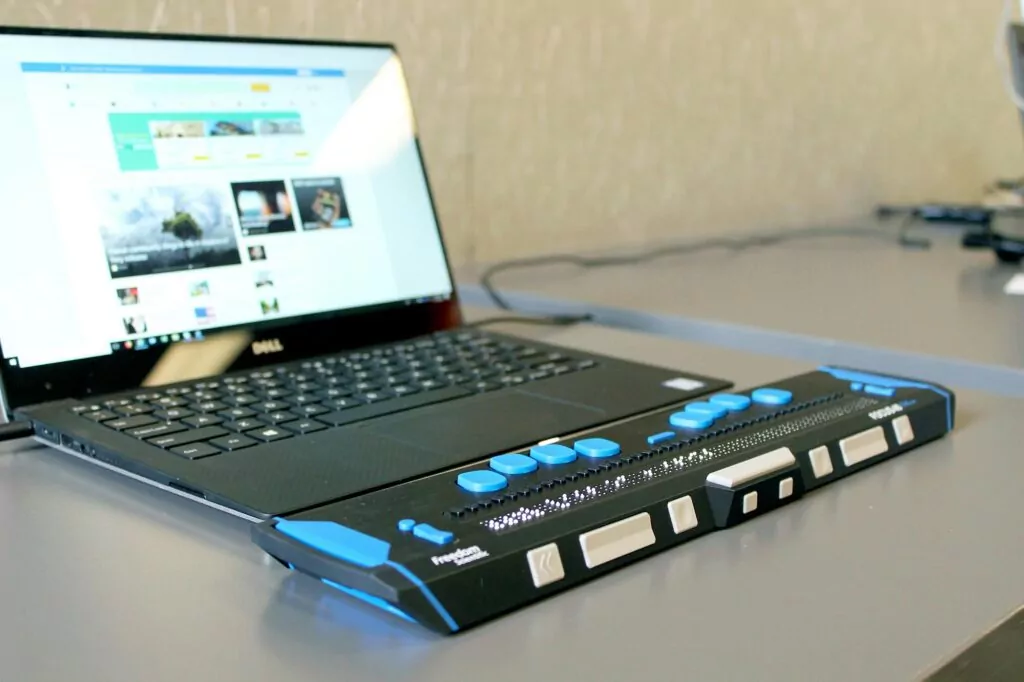
Accessibility in web design means creating a website that everyone can use, regardless of visual, motor, auditory or cognitive impairments. This includes things like screen reader support, keyboard navigation, clear content structure, and high colour contrast.
It’s guided by standards such as the Web Content Accessibility Guidelines (WCAG), which are used worldwide—including in the UK—to determine digital accessibility compliance.
Why It Matters for Your Business
- Legal Obligations – Under the UK Equality Act 2010, businesses must make “reasonable adjustments” for disabled users, including access to websites.
- Wider Audience Reach – Around 1 in 5 people in the UK have a disability. A site that works for them opens the door to more customers.
- Better SEO – Accessible websites are structured better, use proper heading levels, and include alt text—features that Google loves.
- Improved User Experience – Features that aid accessibility also help all users, especially those on mobile or with slower internet connections.
Key Features of Accessible WordPress Website Design
At Paradox Digital, we build websites that are both visually appealing and accessible by default. Some of the best practices we follow include:
- Semantic HTML5 markup for headings, lists, and navigation
- Keyboard-friendly layouts (tab navigation, focus states)
- Alt text on all images
- Accessible colour contrast ratios
- Readable font sizes and spacing
- ARIA labels and roles for dynamic content
Use Accessibility Plugins (Where Needed)
While we build in accessibility from the ground up, plugins like WP Accessibility can help address minor accessibility issues or add tools like font resizing and skip links.
Regular Testing Is Crucial
Even if your site is well-built, accessibility should be tested regularly. We recommend tools like:
Get Accessibility Right with Paradox Digital
If you’re launching a new website or updating an old one, accessibility should be part of your design checklist. At Paradox Digital, we ensure every website meets accessibility best practices—while still looking great and working smoothly on every device.
Contact us today to learn how we can help you build an accessible, compliant, and user-friendly WordPress website.

Have your say